
06 / GTA VI location references
GTA 6 Wallpaper Generator
Choose a place, time of day and weather before adding characters. A strong wallpaper is a world first and a collection of objects second.
Explore Vice City, Leonida Keys, Grassrivers, Ambrosia, Port Gellhorn and Mount Kalaga, then create a personal GTA VI inspired wallpaper.
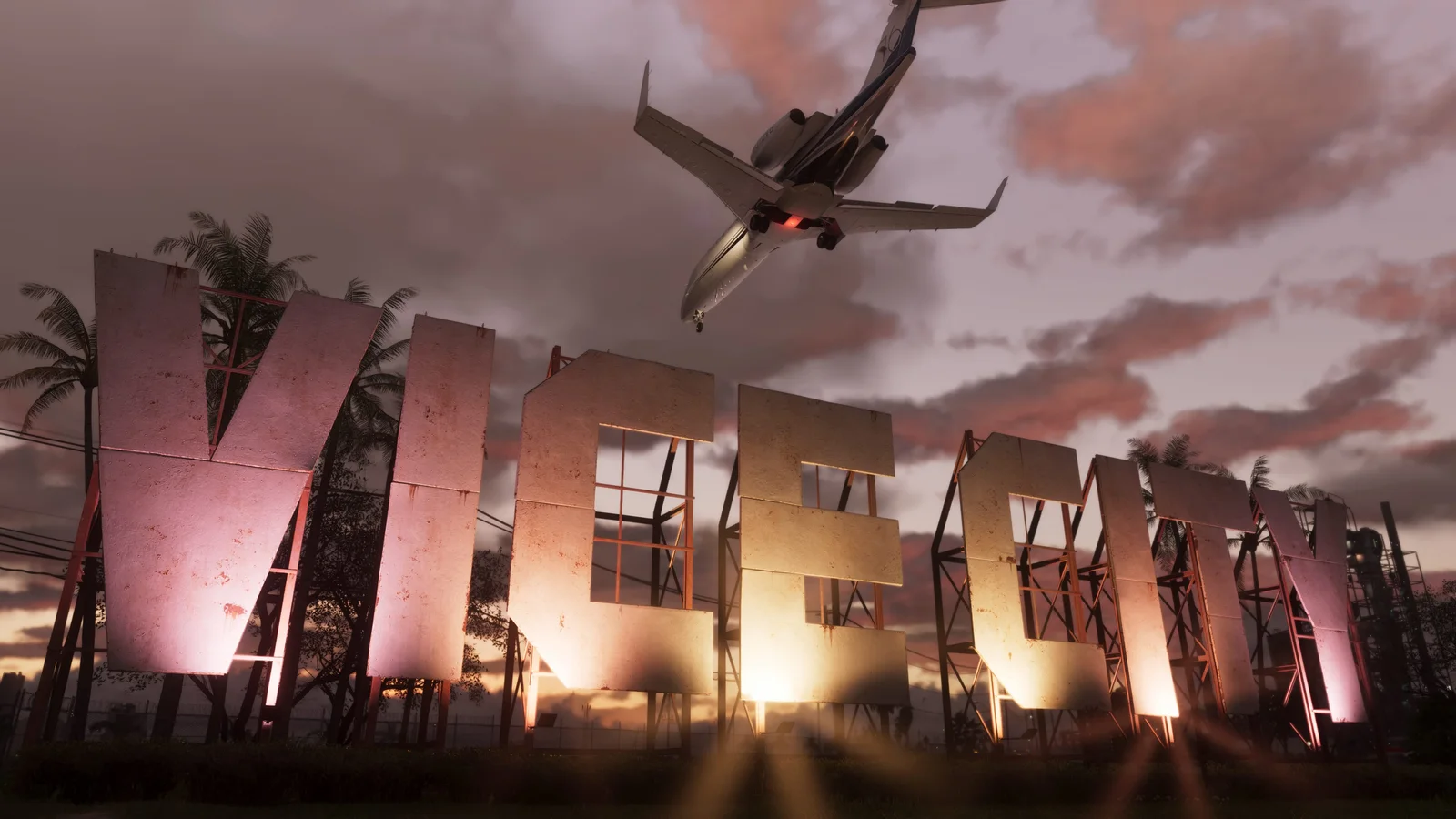
Selected visual references
Wallpapers contact sheet
Six references selected from the same GTA VI Image World. Open the full places deck when you want to move beyond this focused set.
Reference 01
Vice City 01
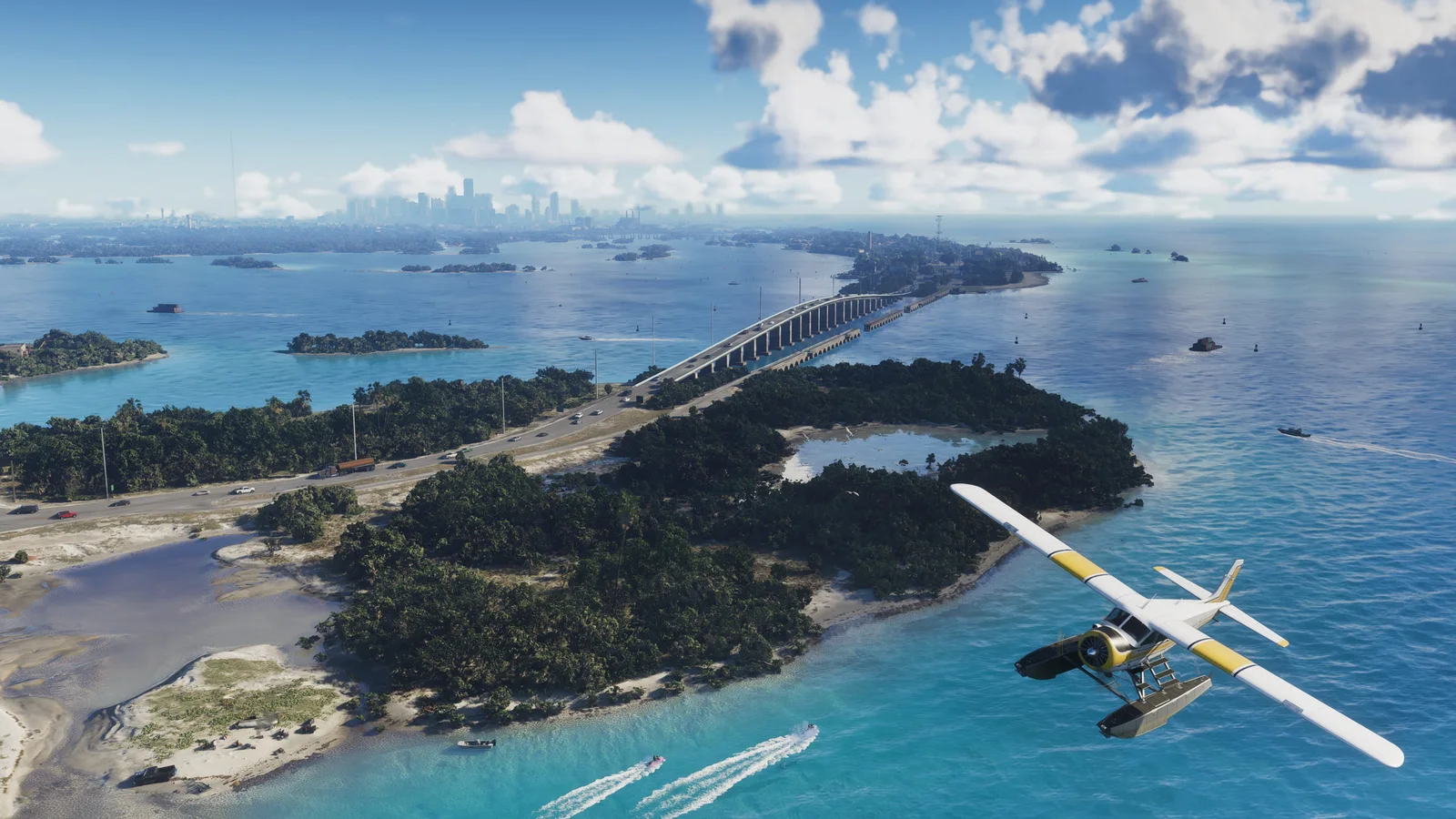
Reference 02
Leonida Keys 01
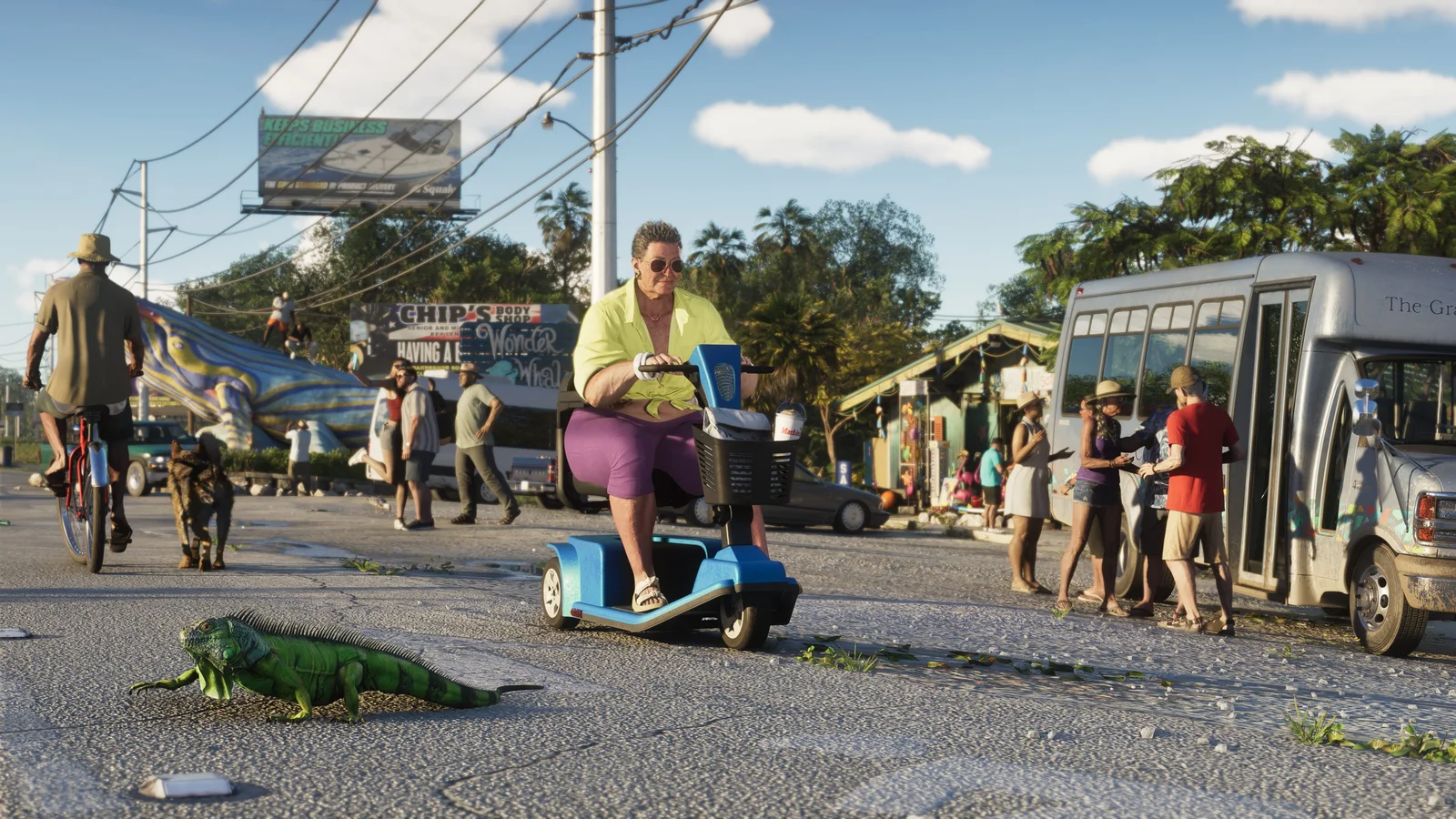
Reference 03
Leonida Keys 02
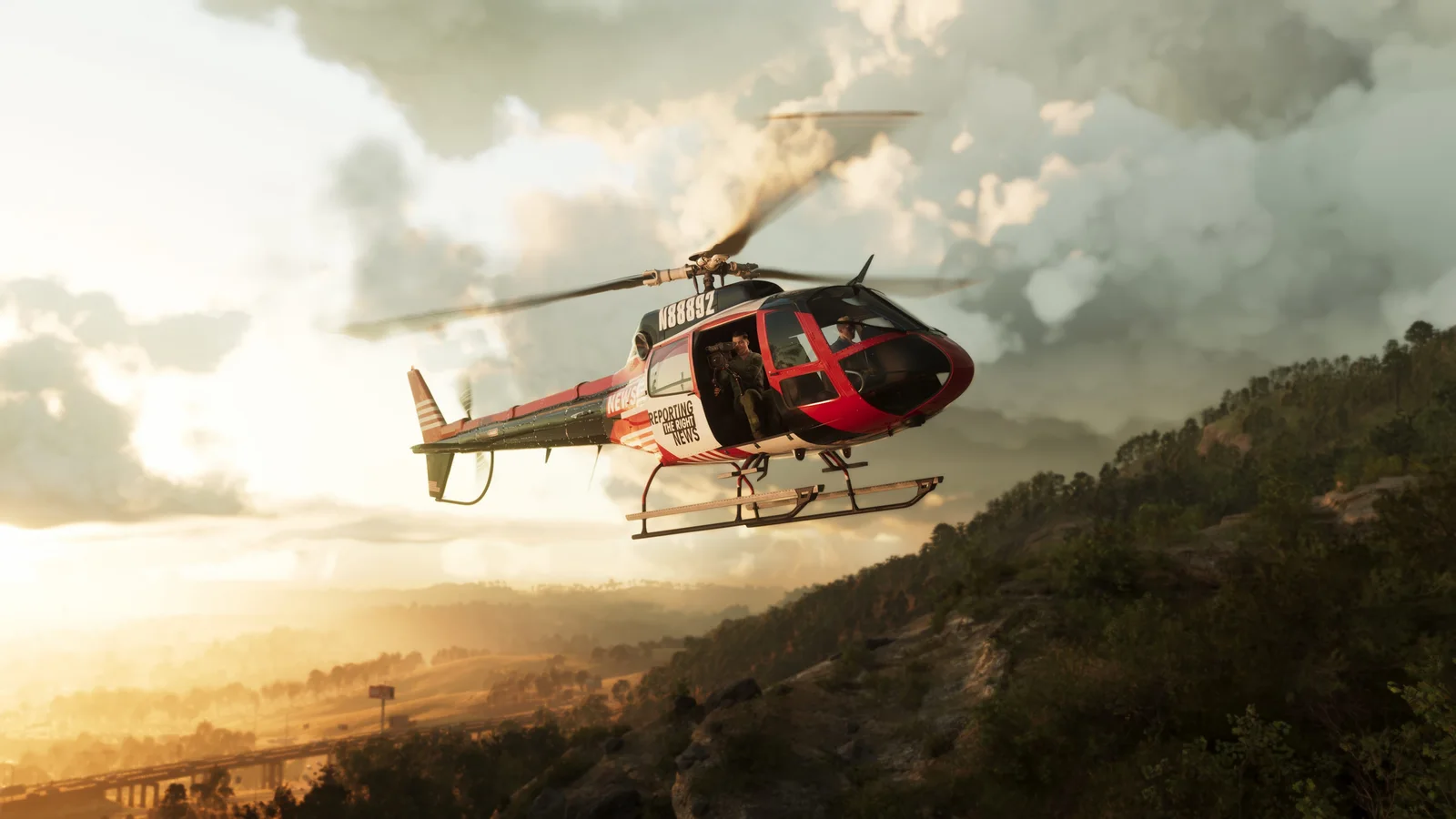
Reference 04
Mount Kalaga National Park 02
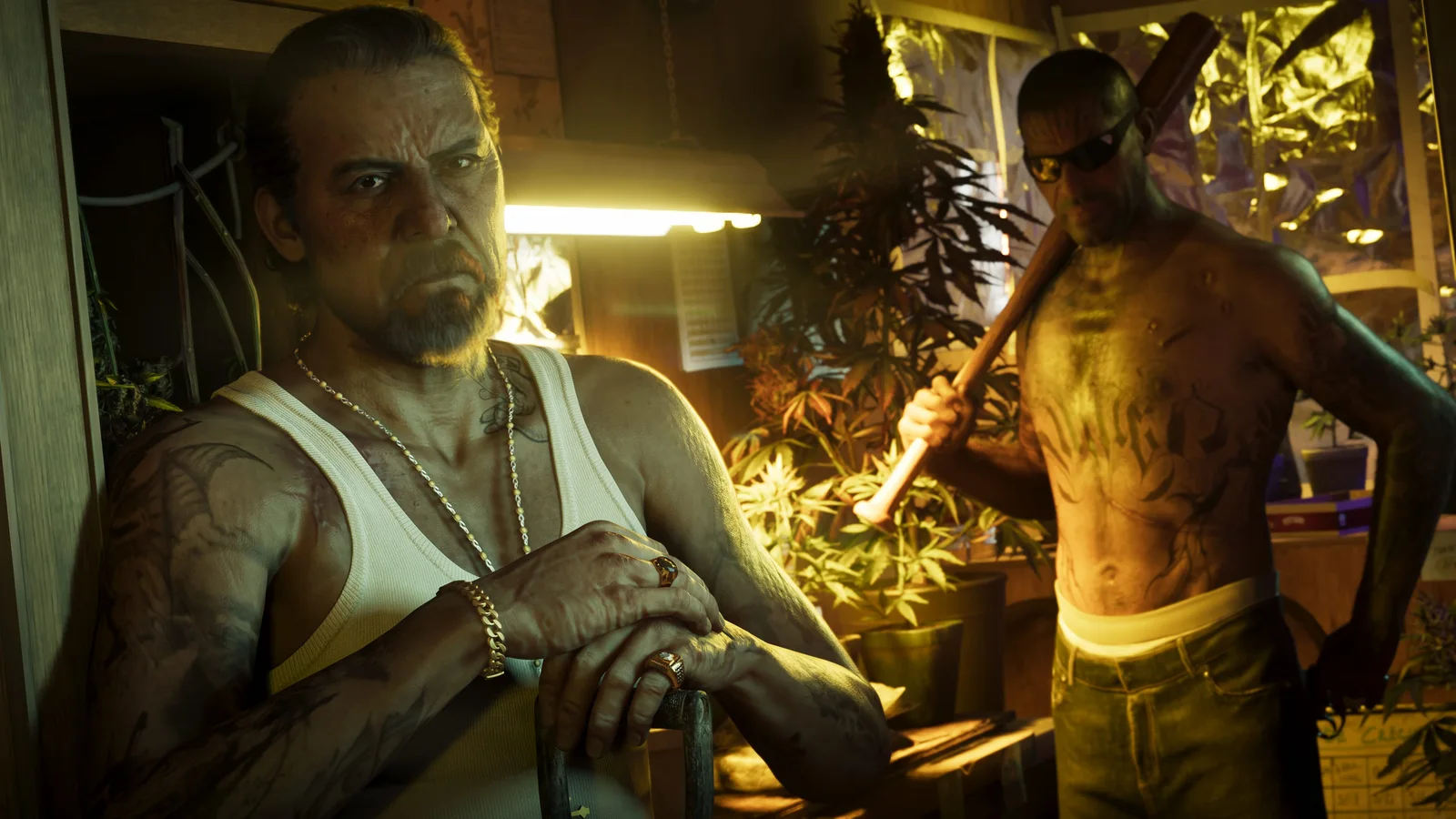
Reference 05
Port Gellhorn 02
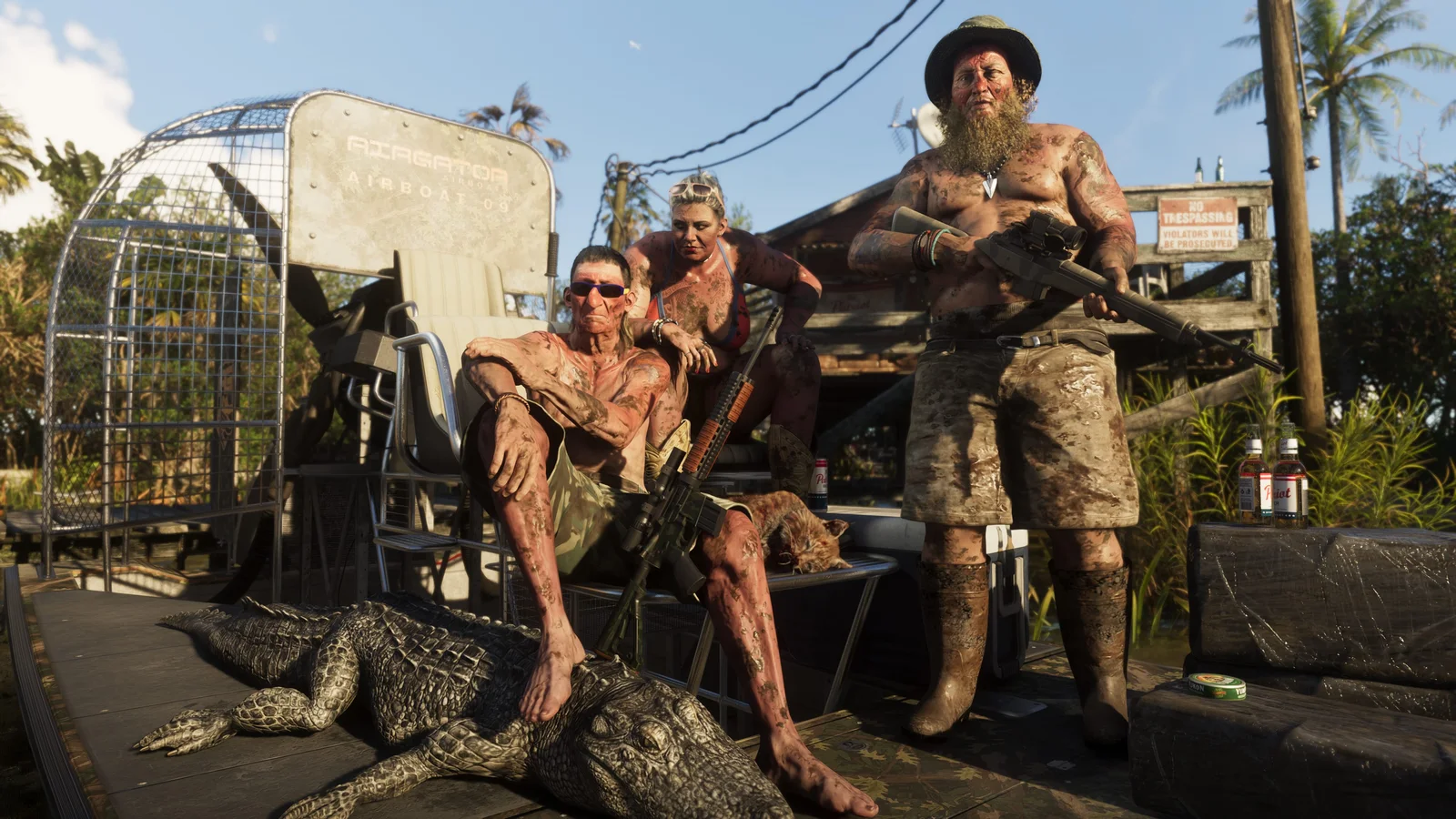
Reference 06
Grassrivers 01
Creation directions
What you can make with wallpapers
Vice City skyline
Build around coastal towers, bridges, palms, water and a specific sky condition with enough negative space for desktop icons or a lock screen clock.
Leonida road trip
Use a road, motel, causeway or national park as the main composition and keep vehicles or people small enough to preserve the sense of place.
Storm and neon atmosphere
Combine weather with a believable time of day so clouds, windows, wet ground and artificial light all support the same mood.
03 / Field notes
Make the reference do one job
A stable result comes from deciding what each reference controls before generation begins.
Design for the device
Desktop, phone and ultrawide wallpapers need different safe areas, crops and focal positions even when the scene is the same.
Depth needs layers
Foreground texture, a readable middle-distance subject and atmospheric background separation keep a large image from feeling flat.
Leave breathing room
A wallpaper does not need every landmark. Negative space makes the location feel larger and keeps the device interface readable.
Keep exploring
Related GTA VI creation routes
05 / Questions
Wallpapers FAQ
Can I create phone and desktop GTA 6 wallpapers?
Yes. Choose the device format before generation so the subject, skyline and negative space are composed for that screen instead of cropped afterward.
Can I create a wallpaper from one official location image?
Yes. Use the official location as world direction, then change weather, time of day, camera position or story details to create a new scene.