
04 / GTA VI artwork references
GTA 6 Poster Maker
Start with hierarchy and panel rhythm, then decide which person, vehicle, place and headline deserve the strongest visual weight.
Study selected GTA VI cover art and promotional compositions, then create a new poster, character cover or multi-panel fan artwork.
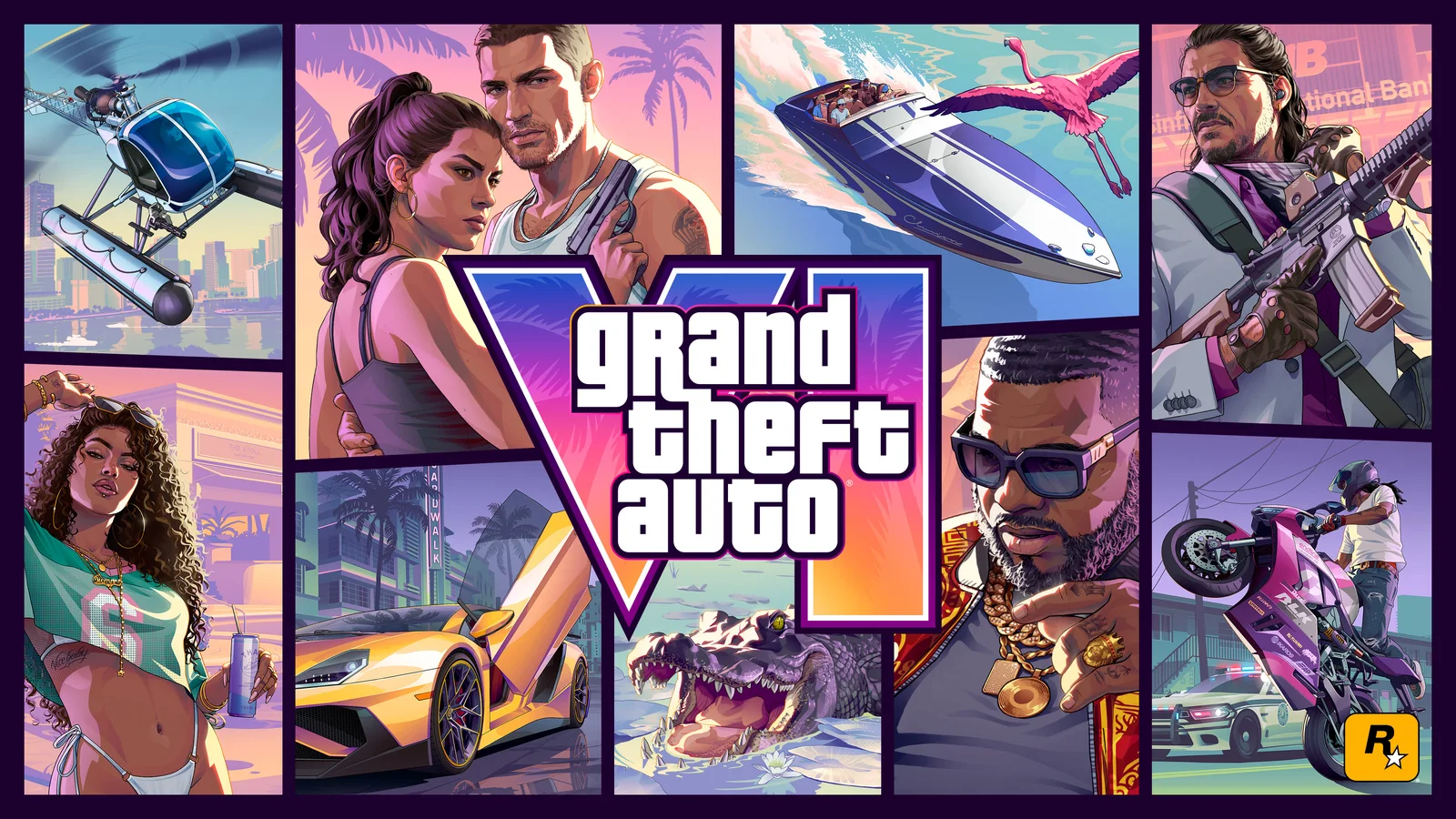
Selected visual references
Posters contact sheet
Six references selected from the same GTA VI Image World. Open the full artwork deck when you want to move beyond this focused set.
Reference 01
Official Cover Art
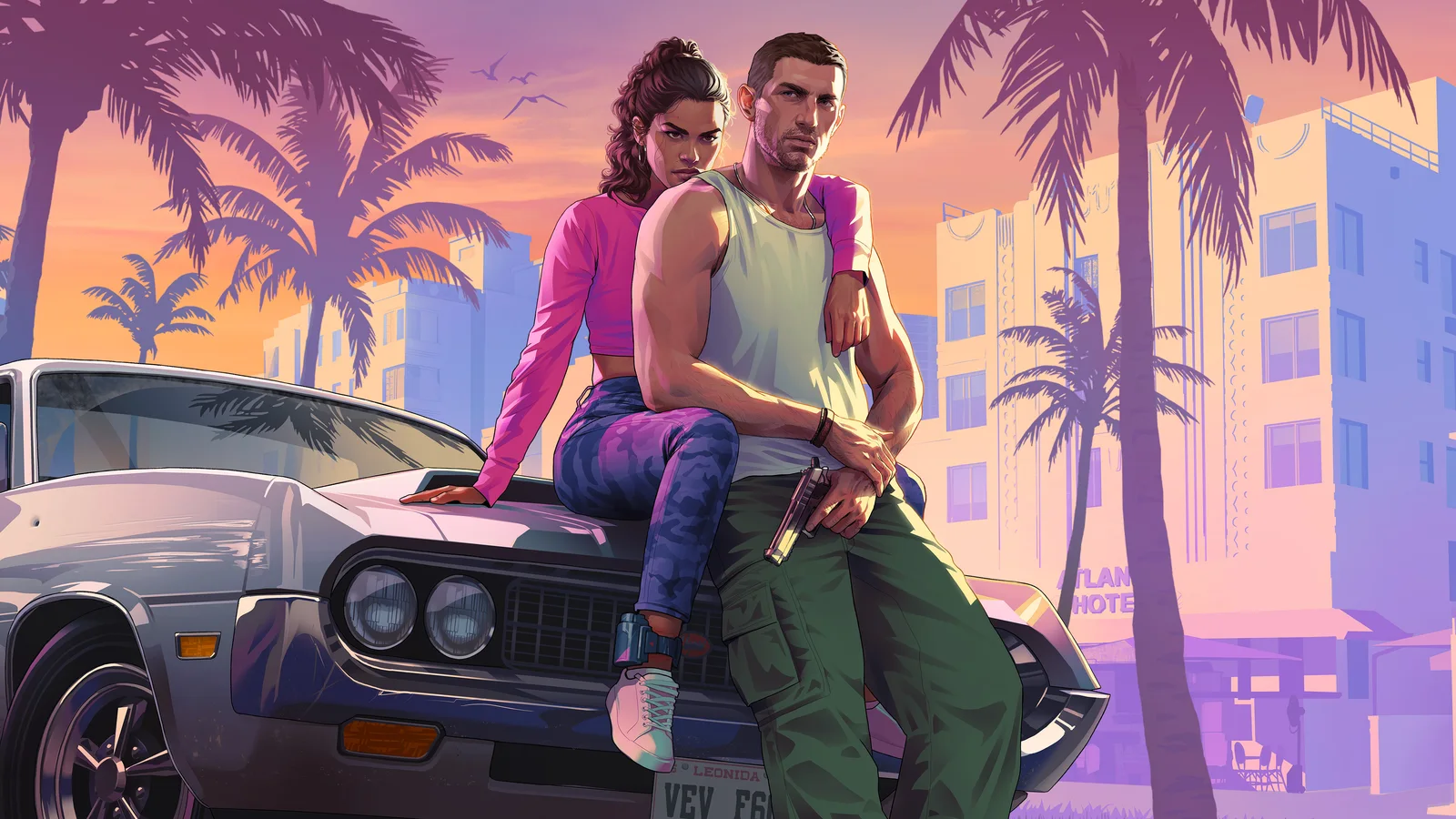
Reference 02
Jason and Lucia 01
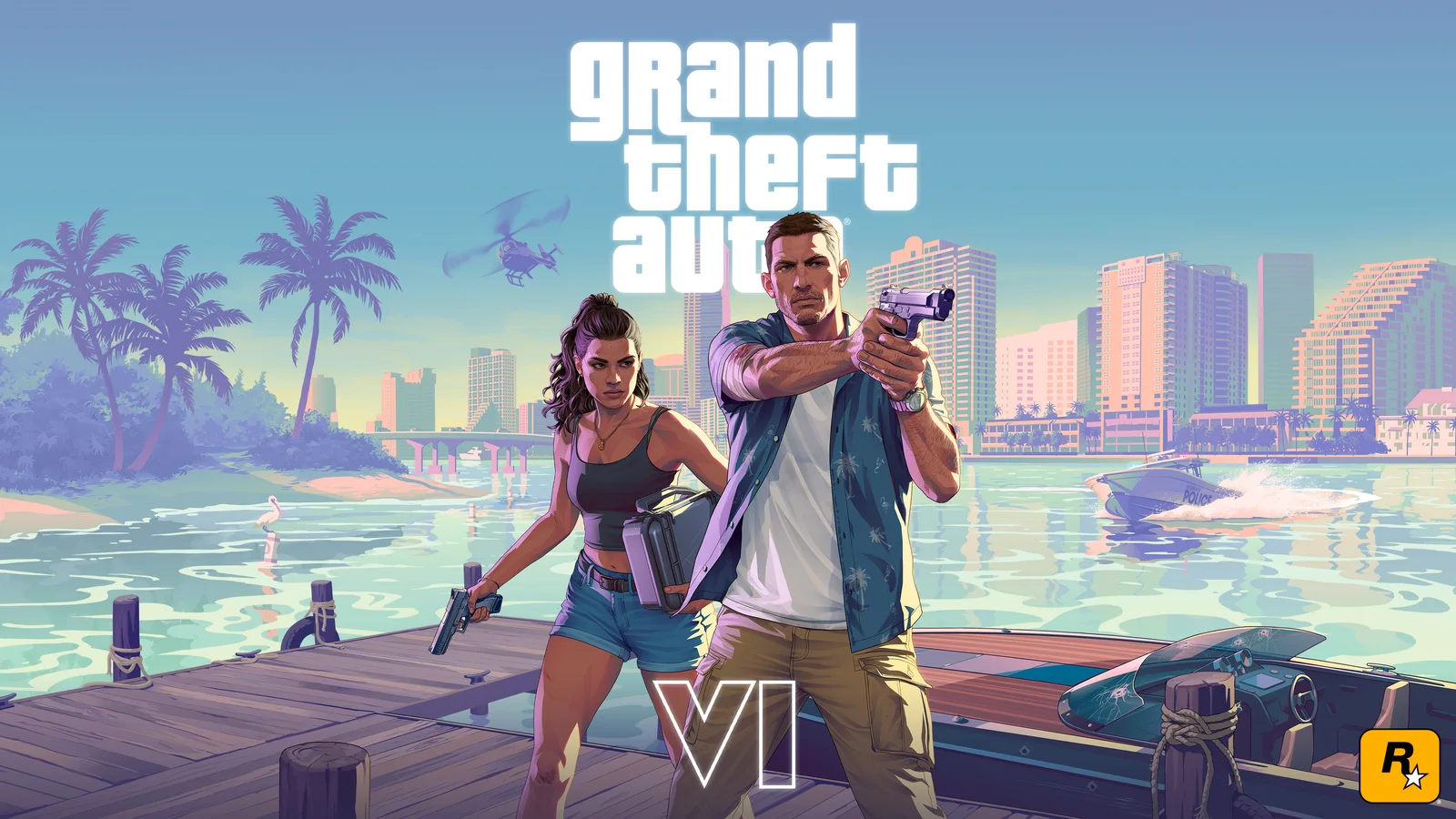
Reference 03
Jason and Lucia 02 With Logos
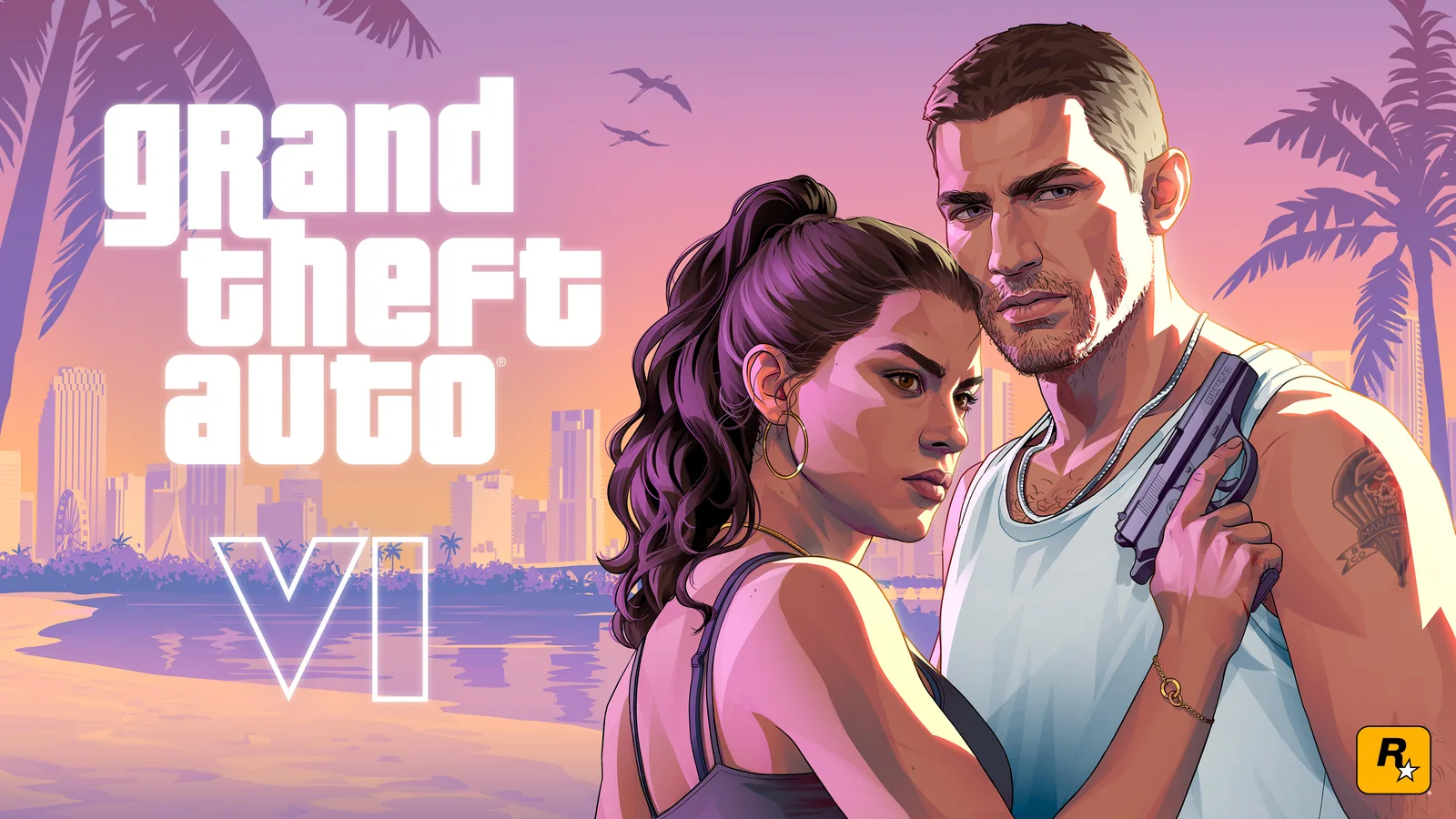
Reference 04
Jason and Lucia Beach With Logos
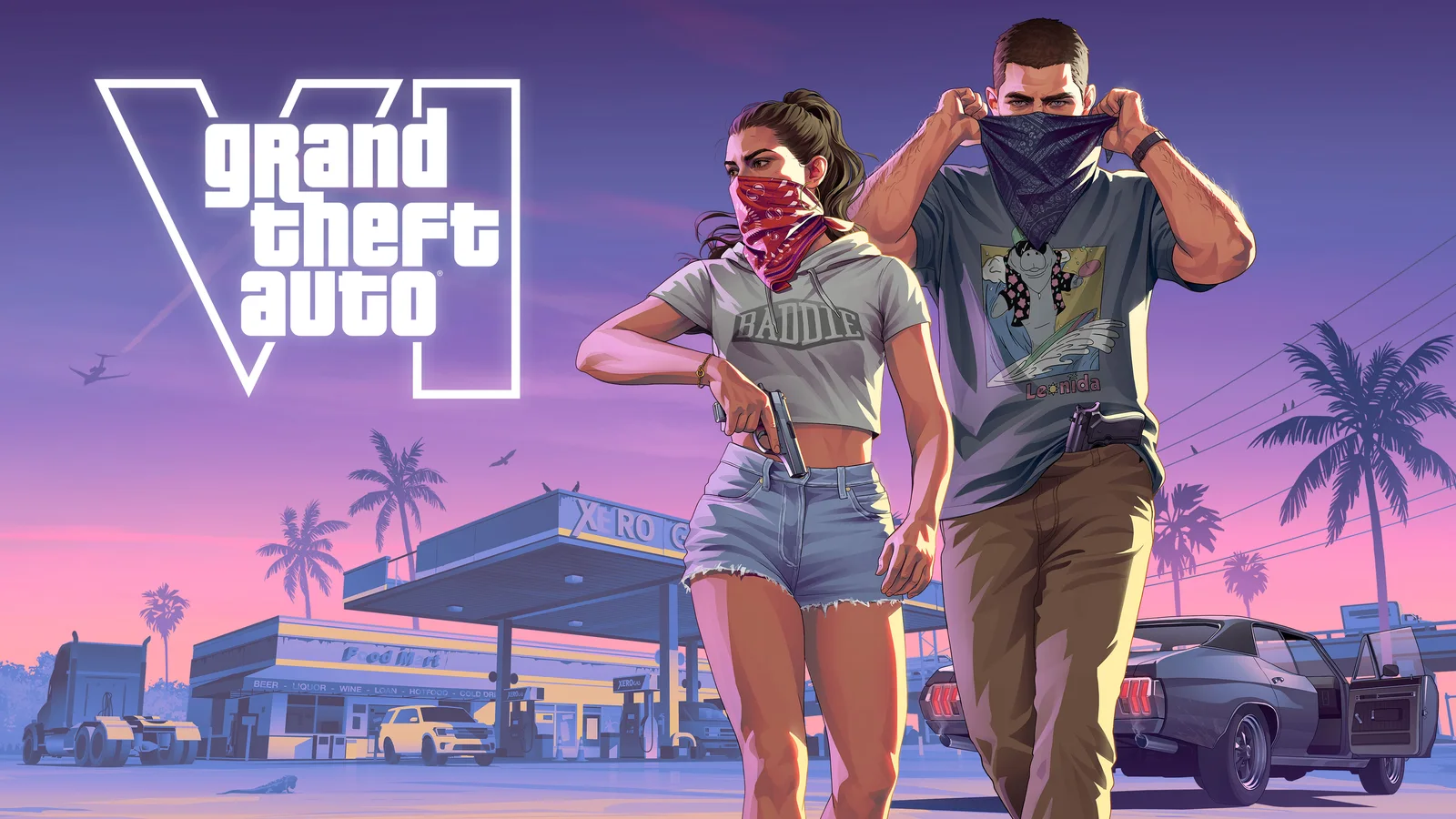
Reference 05
Jason and Lucia Robbery With Logo
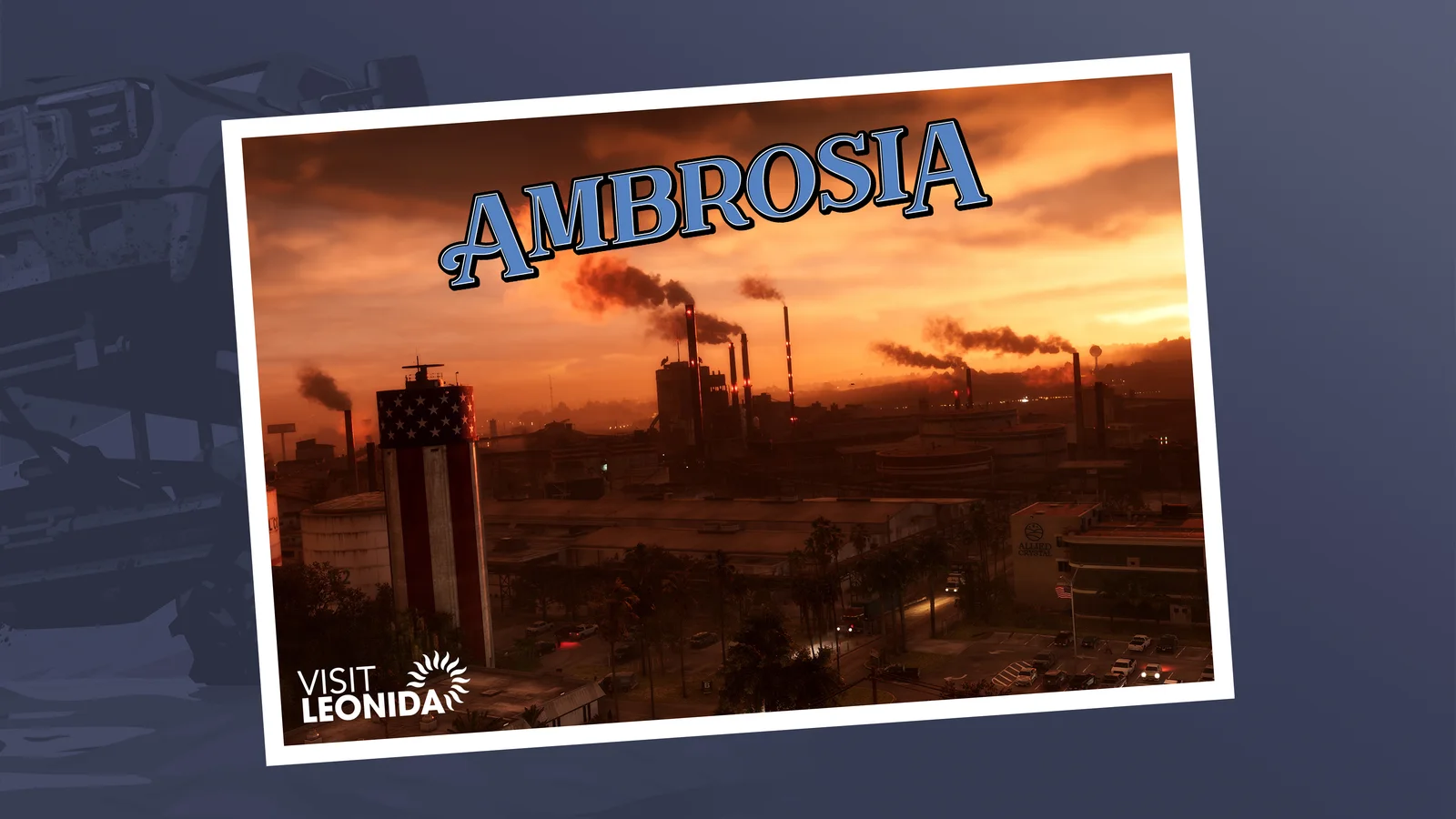
Reference 06
Ambrosia
Creation directions
What you can make with posters
Character cover
Build one dominant portrait with a supporting place or vehicle instead of squeezing every reference into the same level of importance.
Multi-panel world poster
Use diagonal or rectangular panels to connect different times of day while keeping one colour system and central visual lockup.
Location postcard
Turn Vice City, Leonida Keys, Ambrosia or Port Gellhorn into a place-led poster with readable typography and a specific travel mood.
03 / Field notes
Make the reference do one job
A stable result comes from deciding what each reference controls before generation begins.
Hierarchy before decoration
Poster quality comes from the order in which the eye reads the headline, subject, support image and metadata.
Panels need one system
Different scenes can coexist when border weight, colour transitions and image contrast follow the same rule.
Finish text deliberately
Generated typography is a visual draft. Important names and campaign copy should be reviewed and finalised deliberately.
Keep exploring
Related GTA VI creation routes
05 / Questions
Posters FAQ
Can I create a GTA 6 poster with my own character?
Yes. Use your portrait as the subject, choose a poster reference for composition and colour, and build a genuinely new layout around it.
Can I make a landscape or phone poster?
Yes. Pick the final placement first, then choose a compatible aspect ratio and leave intentional space for any headline or logo treatment you plan to add later.