
05 / GTA VI personal moments
GTA 6 Selfie Generator
The useful reference is not only the face. Camera distance, arm position, casual framing, flash, location and background activity create the believable moment.
Create a GTA VI inspired selfie, pool photo, car portrait or nightlife moment from your own image and a selected Leonida reference.
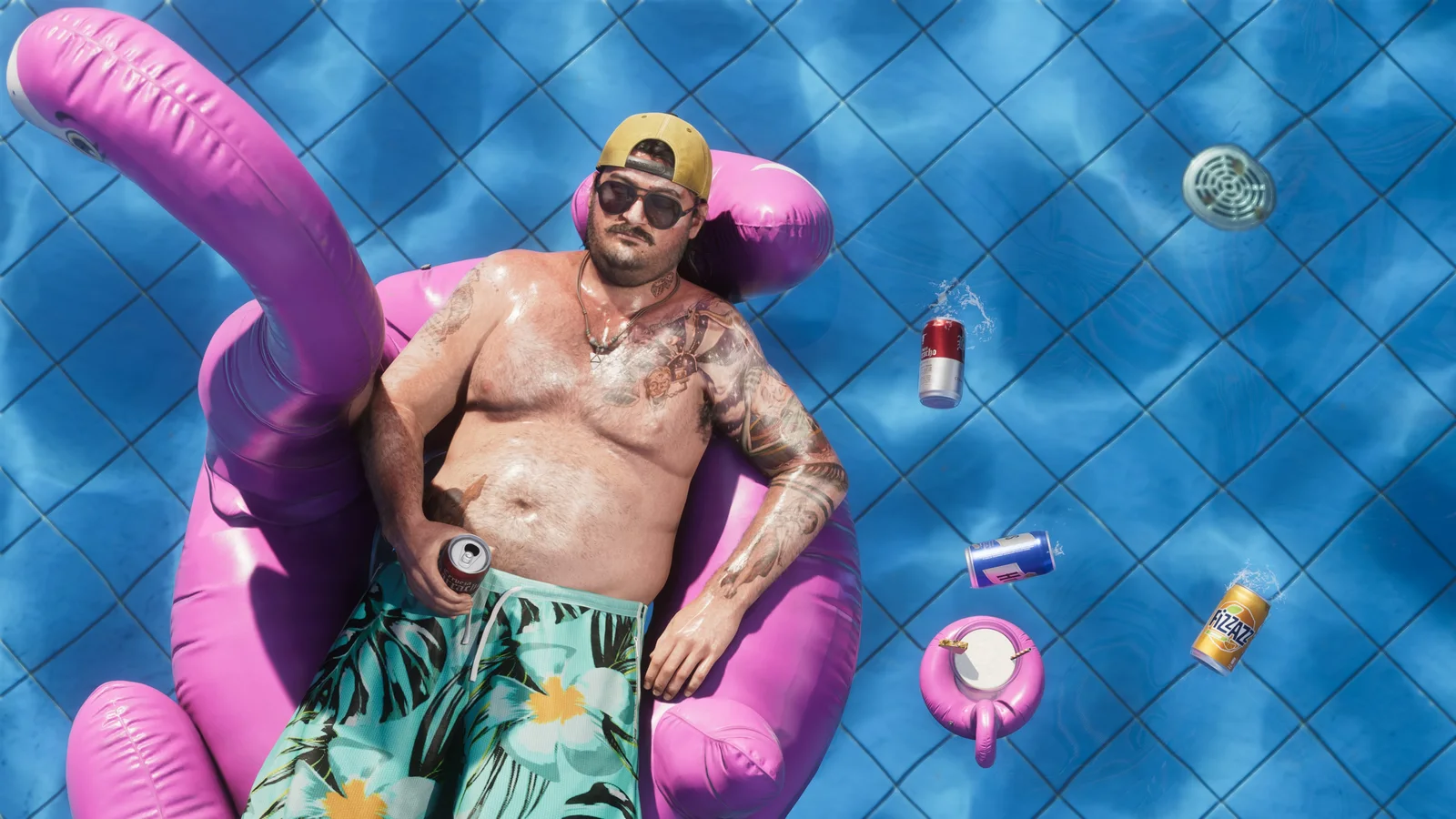
Selected visual references
Selfies contact sheet
Six references selected from the same GTA VI Image World. Open the full people deck when you want to move beyond this focused set.
Reference 01
Cal Hampton 03
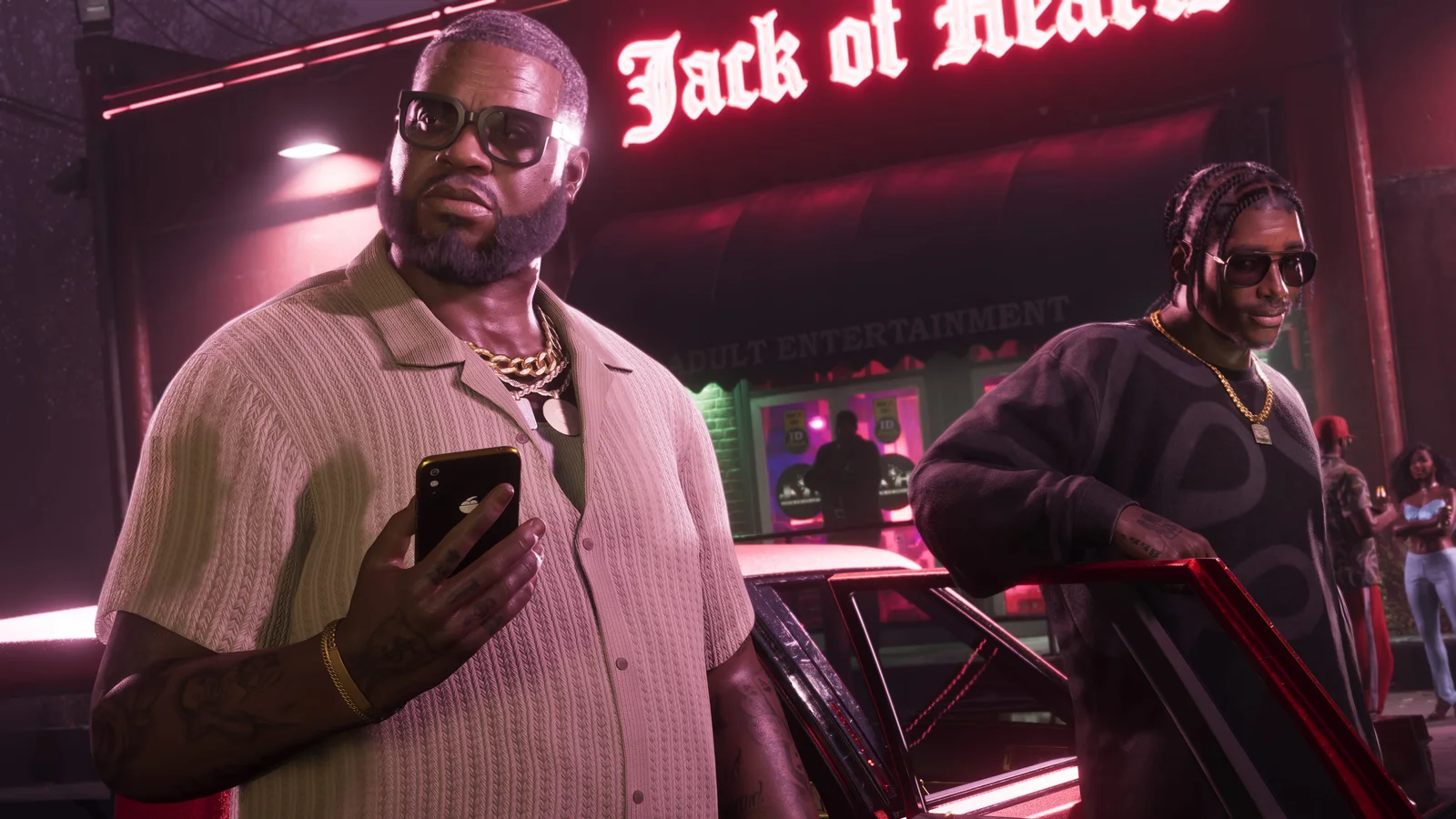
Reference 02
Boobie Ike 02

Reference 03
Boobie Ike 03
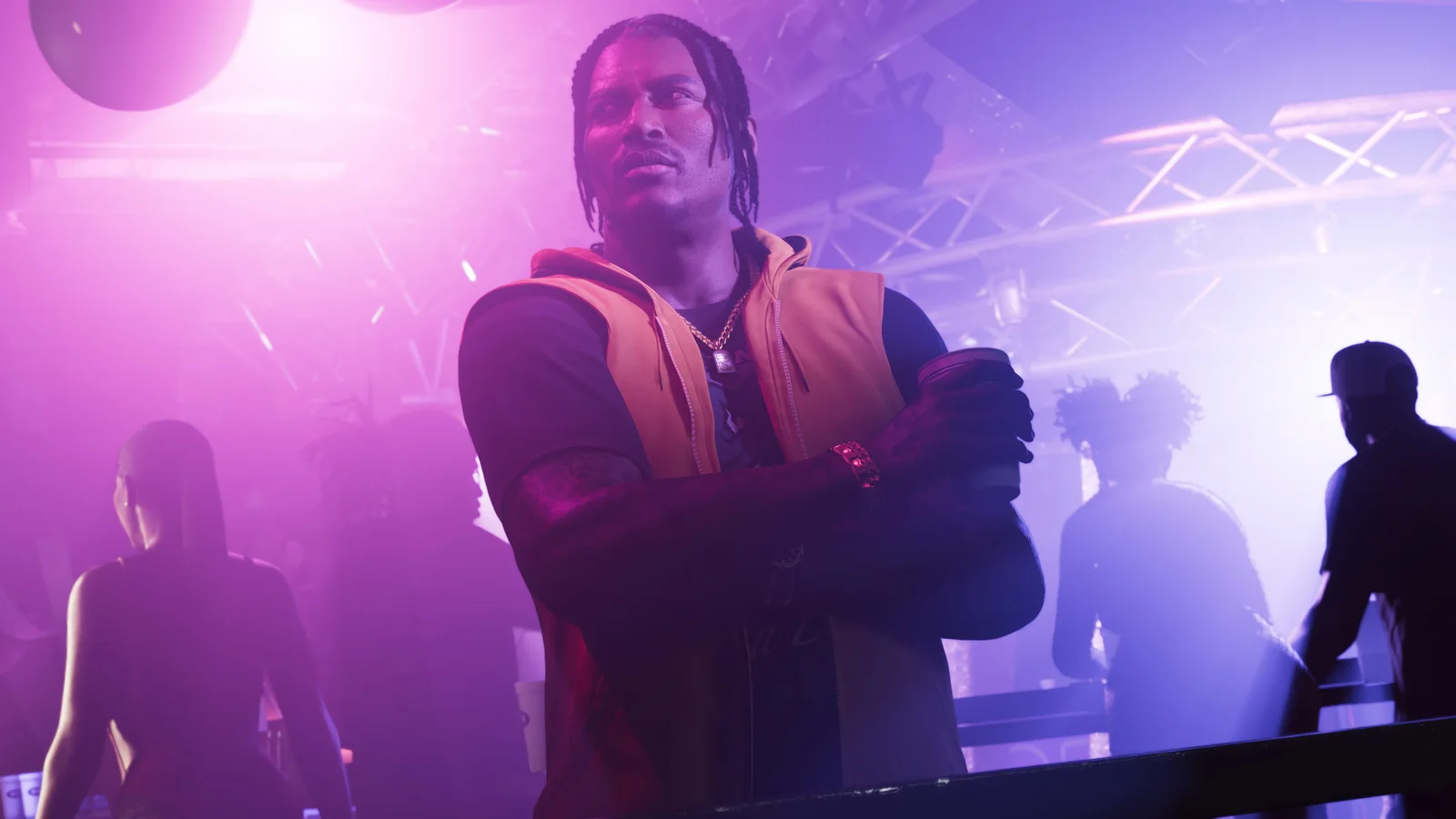
Reference 04
Dre'Quan Priest 03
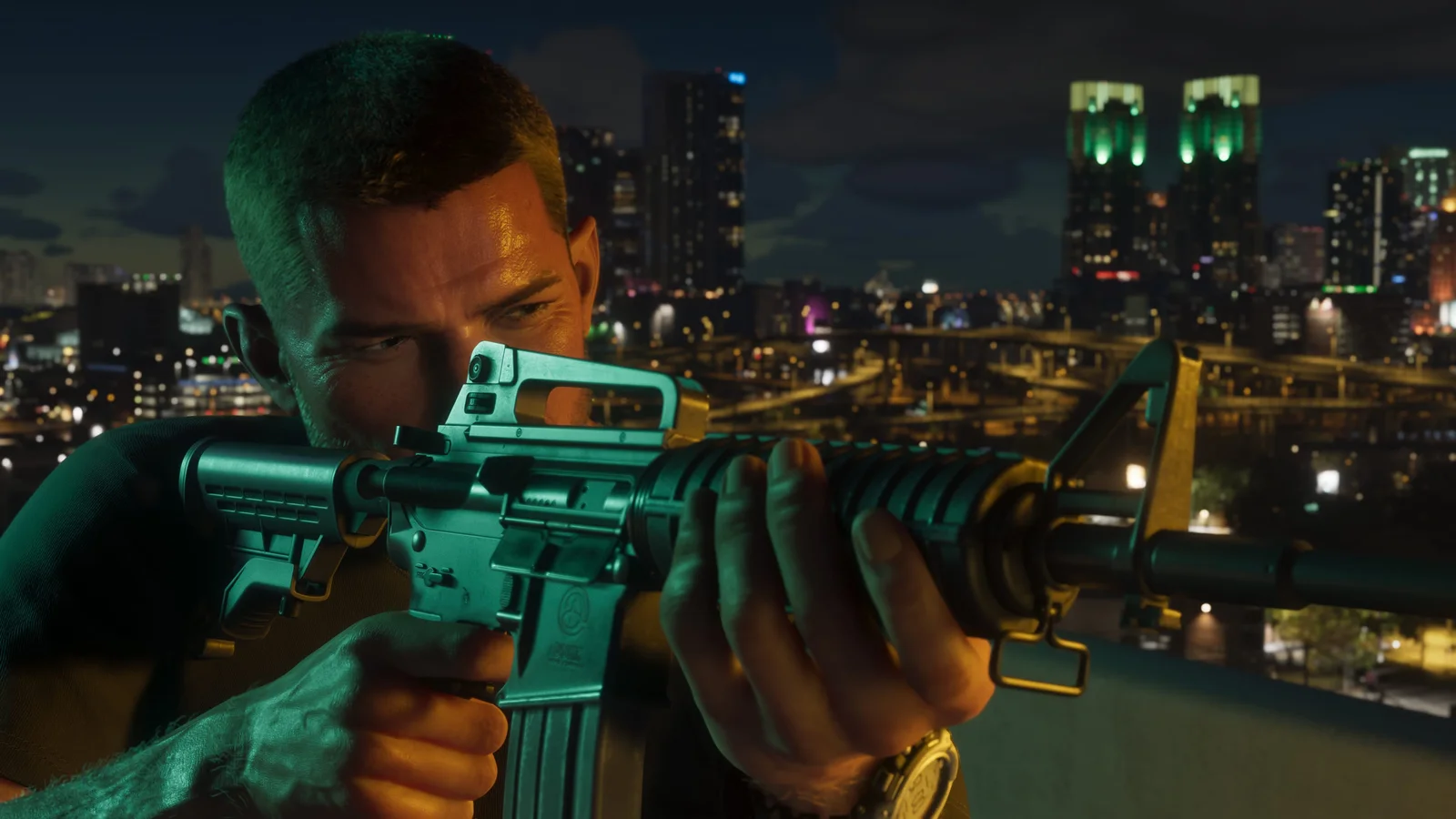
Reference 05
Jason Duval 05
Reference 06
Lucia Caminos 06
Creation directions
What you can make with selfies
Poolside snapshot
Use hard daylight, water reflections, casual posture and small personal objects to make the scene feel lived rather than staged.
Car and road portrait
Frame the subject through a window, open door or passenger seat while preserving believable vehicle scale and reflections.
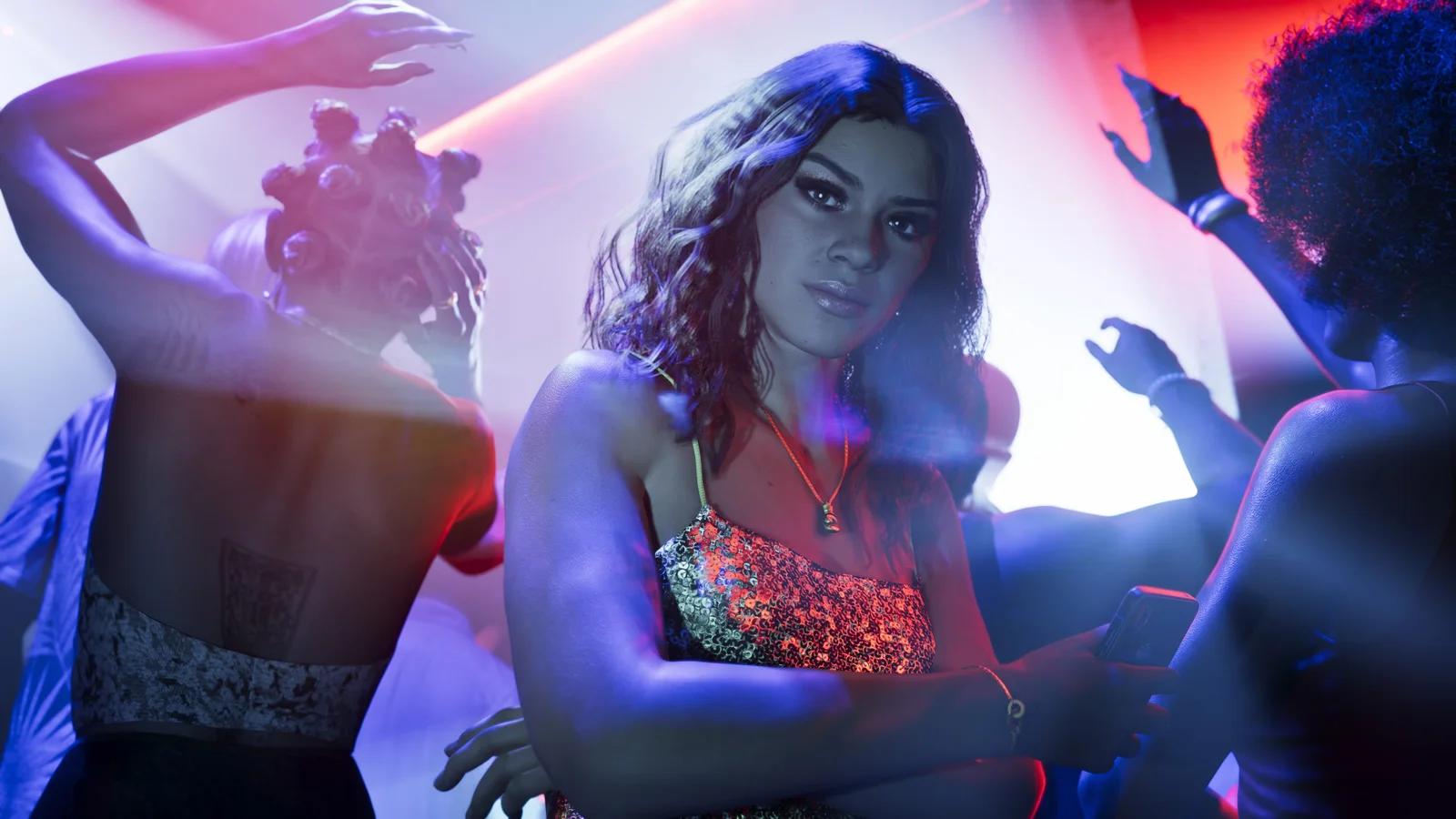
Nightlife phone photo
Combine direct flash, uneven neon, cropped companions and background movement for a social image rather than a studio portrait.
03 / Field notes
Make the reference do one job
A stable result comes from deciding what each reference controls before generation begins.
Imperfection creates immediacy
A slightly tilted frame or cropped shoulder can feel natural when the face, hands and environment remain coherent.
Flash changes the whole scene
Direct phone flash affects skin, jewellery, fabric and nearby surfaces, not only the face.
Background activity matters
Friends, traffic, boats or club lighting should support the personal moment without competing with the subject.
Keep exploring
Related GTA VI creation routes
05 / Questions
Selfies FAQ
Can I upload a normal selfie?
Yes. A clear face and upper-body image is enough to begin. Choose a reference whose camera angle and pose are compatible with your photo for a more stable result.
Will LocalBanana attach the official image to my generation?
The page can use the selected image as visual direction, while your uploaded photo remains the subject. The creation flow keeps those roles distinct.