Poster art direction workflow
AI Poster Generator
Turn campaign direction into poster systems
Use LocalBanana to shape hierarchy, subject, format, mood, palette, and reference imagery before generating poster concepts for events, launches, covers, and social campaigns.
Turn campaign direction, product mood, event tone, or reference images into poster concepts and visual systems.
- Plan headline hierarchy, image area, and negative space.
- Use references for mood, typography feel, and composition.
- Remix one poster direction into campaign variants.

Search Intent
Marketers and creators looking for AI posters with deliberate art direction and reusable visual references.
Workflow
Define the job of the poster
Choose the channel, audience, message, and required format before asking the model to make a polished image.
Build the visual hierarchy
Lock subject scale, type area, contrast, palette, and negative space so the poster stays readable.
Generate variants, not guesses
Use the Design Studio and gallery references to produce a controlled set of campaign-ready directions.
Examples
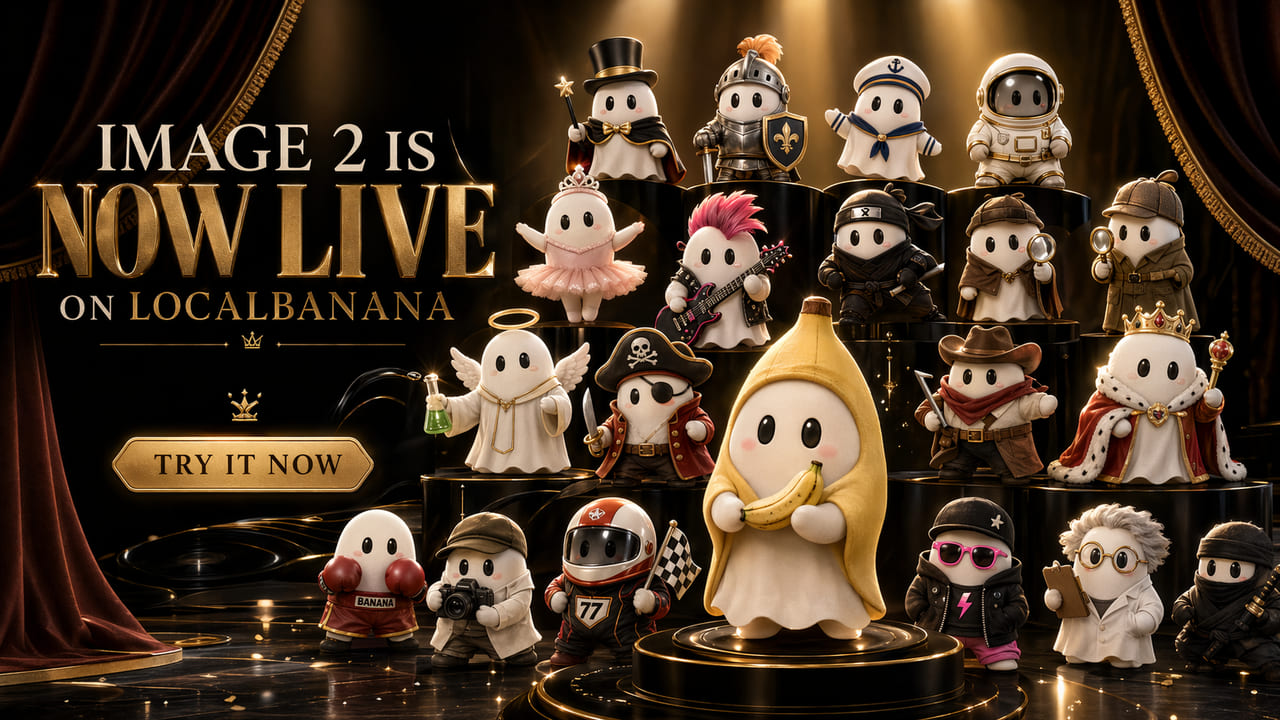
Launch poster
A product hero, short headline zone, sharp contrast, and room for campaign copy.

Editorial cover
A single subject, strong crop, and controlled palette for blog or newsletter visuals.
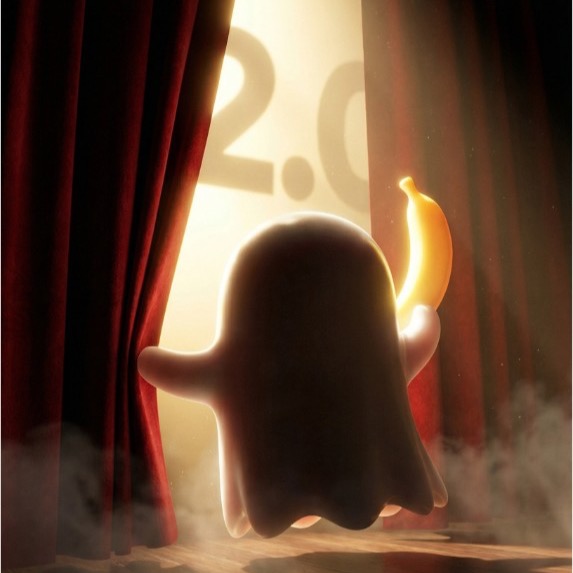
Social campaign variant
A reusable composition that can shift format while keeping the same visual system.
Product Links
FAQ
Can LocalBanana place final production typography?
Treat generated poster text as concept direction unless you verify every character. Use the output for art direction, layout, and variants, then finalize important copy deliberately.
What makes this different from a generic poster prompt?
The workflow starts with campaign purpose, hierarchy, reference imagery, and format constraints, so generation happens from a designed brief rather than a loose prompt.
Where should I start when I want an AI poster?
Start in the existing Design Studio when you want poster-oriented composition, hierarchy, and campaign direction. Browse references first if you need visual examples before creating.