Reference-driven image workflow
Reference Image AI Generator
Generate from the visual evidence you already have
Bring a reference image, a moodboard detail, a pose, or a material cue into LocalBanana, then turn that visual direction into a new image without pretending a text prompt alone carries the whole brief.
Use images, moodboards, poses, layouts, or materials as visual references instead of relying only on text prompts.
- Upload or reuse images as reference signals.
- Keep pose, material, lighting, and style as separate decisions.
- Move from reference discovery into the existing image workflow.
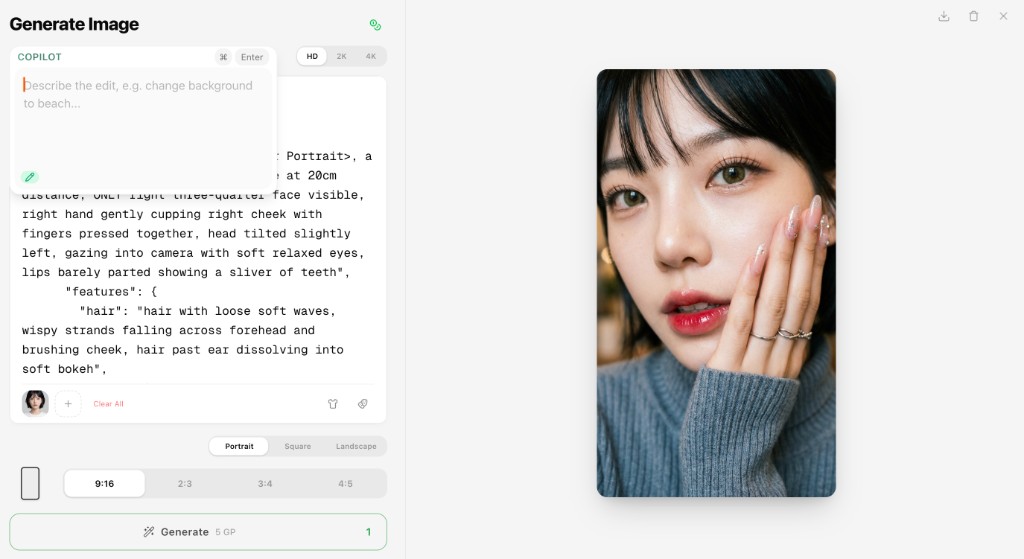
Search Intent
Users who know what something should feel like visually but do not want to engineer a long prompt.
Workflow
Start with a real cue
Use an uploaded image, saved gallery result, screenshot, or selected visual detail as the anchor for the new output.
Name what should transfer
Separate the useful signal from the whole image: silhouette, pose, fabric, palette, lighting, composition, or camera mood.
Generate in context
Send the direction into LocalBanana's existing creation workspace, then refine the result with clearer references or prompt text.
Examples
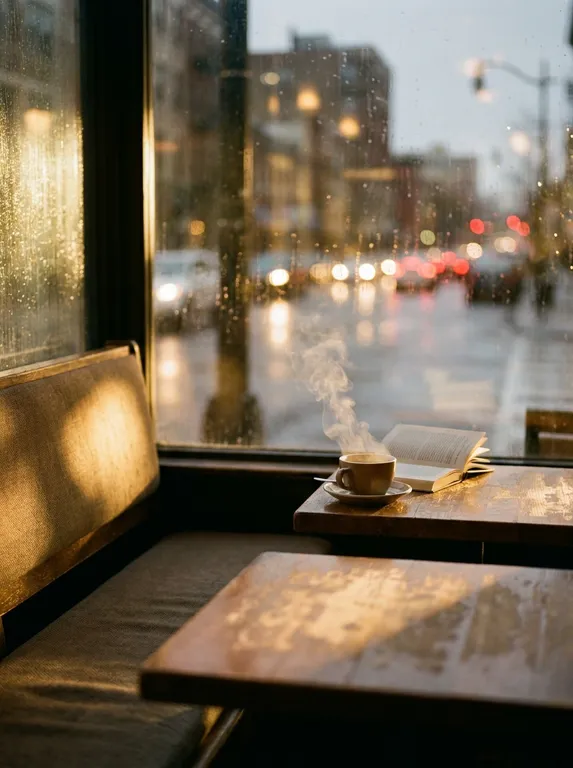
Material and lighting match
Use a fabric texture and warm window light as reference while changing the subject and scene.
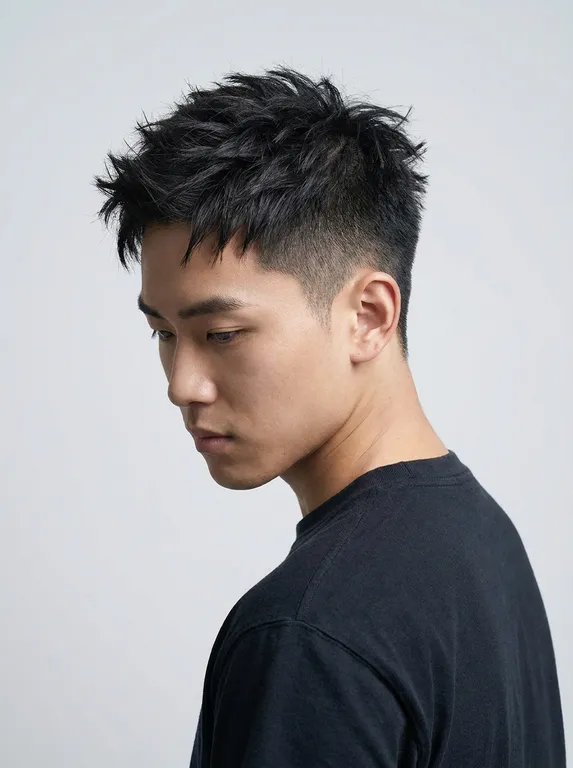
Pose-led character shot
Preserve body angle and camera rhythm while rebuilding wardrobe, setting, and atmosphere.
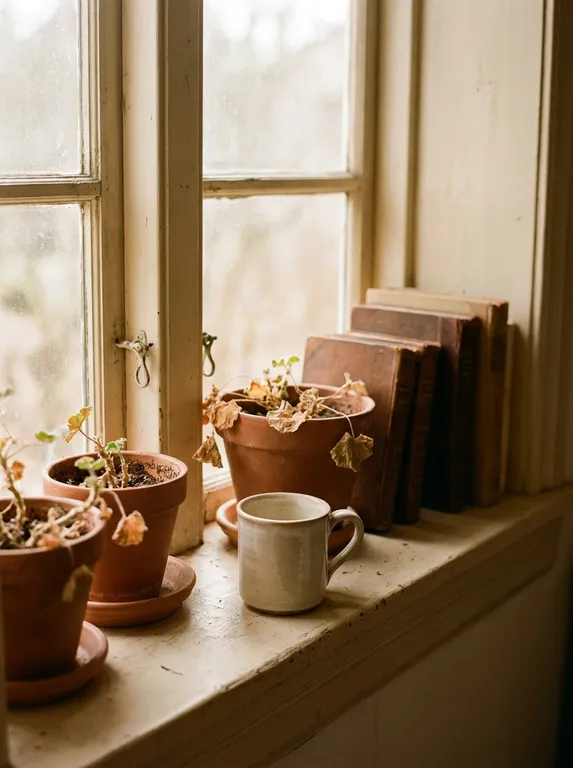
Moodboard to output
Combine color, lens feel, and scene notes into a reusable direction for multiple generations.
Product Links
FAQ
How do I generate from a reference image in LocalBanana?
Open the LocalBanana workspace, add the image or visual cue you want to use, then describe which details should transfer into the new output.
Can I use more than one reference?
Yes. LocalBanana supports reference-led workflows where separate images can carry different signals, such as pose, style, material, or layout.
Do I need a perfect prompt first?
No. The page is designed for visual thinkers: start from what you can see, then use prompt text as one layer of the direction.